
 EN



Most first-time automation buyers begin with a machine concept and a supplier catalogue, and finish with a quotation they cannot verify. The gap between those two points is not product knowledge. It is translation. A process diagram states what the machine must do; an automation parts list states what has to be purchased, wired, programmed, tested and stocked. This industrial automation buying guide treats that translation as a repeatable procedure, so a buyer with limited electrical background can still arrive at a defensible bill of materials.
The sequence below, which this industrial automation buying guide follows deliberately, matches the order in which real projects fail. Mistakes made while reading the process diagram surface months later as missing terminals, undersized enclosures or a PLC with no spare channel for a safety gate added at the last meeting.
Start With the Process Diagram, Not the Catalogue
A process diagram is a functional document. It shows the sequence of operations, the material flow, the decision points and the actuators that perform each transition, but rarely wire numbers or part numbers. That is why it is the right starting point: it is neutral about brands, so the engineering logic survives a change of supplier.
Buyers who open a catalogue first tend to buy what is available rather than what the machine requires. The result is a control architecture shaped by stock levels, a failure this industrial automation buying guide flags first. Reading the process diagram first reverses that pressure: establish the function set, then look for hardware that satisfies it.
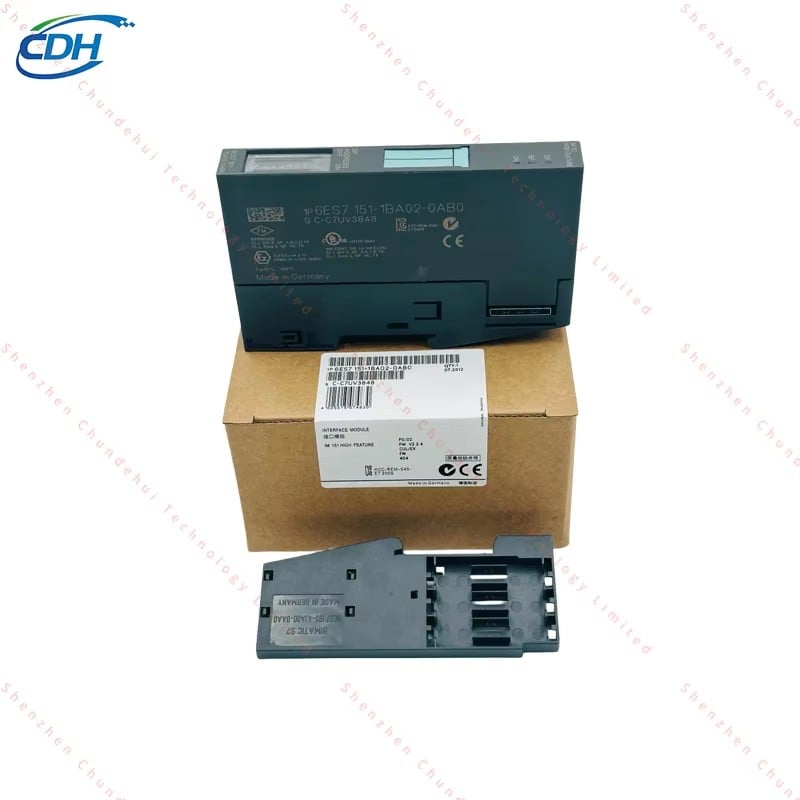
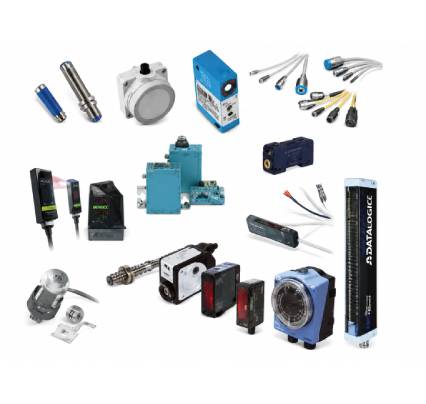
Official AI Omni Control website asset, shown as a general reference to component families, not as documentation of a specific project.
Step 1: Read the Sequence Before the Symbols
Before identifying a single device, annotate the process diagram with numbered steps, which is step one in this industrial automation buying guide. Give every transition a number and one sentence describing what changed: "conveyor advances until the photo-eye sees the leading edge", "clamp closes and pressure switch confirms".
This annotation produces three things a buyer needs later:
- A count of machine states, which determines program complexity and, indirectly, PLC memory and scan requirements.
- A list of transitions that depend on a physical event, which becomes the sensor schedule.
- A list of transitions that cause motion, which becomes the actuator schedule.
If two engineers annotate the same process diagram and produce different step counts, the drawing is ambiguous. Resolve that before purchasing: ambiguity is inexpensive now and a change order later.
Step 2: Build a Device Register
The device register is the bridge between the drawing and the commercial document, and the core artefact in this industrial automation buying guide. Walk the process diagram station by station, in drawing order, and write one row per device. A skipped station then becomes visible. Capture function and quantity only.
| Symbol on drawing | Device function | Quantity | Open question for the buyer |
|---|---|---|---|
| Photo-eye | Detect workpiece presence | 4 | Sensing distance, diffuse or through-beam? |
| Proximity switch | Confirm clamp closed | 2 | Inductive target material? |
| Solenoid valve | Extend clamp cylinder | 2 | 5/2 or 5/3, voltage? |
| Motor starter | Drive conveyor | 1 | Direct-on-line or VFD? |
| Load cell | Measure fill weight | 1 | Range and output signal? |
Two disciplines make the register reliable. Record quantity per station rather than a running total, because totals hide errors. Then keep an explicit "unknown" column: a documented unknown is safer than a row filled in from memory.
At the end of this step the process diagram has become a complete inventory of what the machine touches. Nothing enters the automation parts list until it appears in this register. That is what makes the automation parts list auditable.
Step 3: Group Devices Into Commodity Families
Purchasing works in families, not in drawing symbols, and this industrial automation buying guide uses the taxonomy below. Regrouping the register into commodity families produces a structure that maps onto supplier catalogues, onto shipping and customs documentation, and onto one tab of the automation parts list.
The families normally required for a small machine are:
- Control: PLC CPU, I/O modules, communication modules, power supply.
- Operator interface: HMI panel, pushbuttons, selector switches, stack light, audible alarm.
- Drive and motion: contactors, overloads, soft starters, frequency inverters, servo drives and motors.
- Sensing: inductive, photoelectric, capacitive, magnetic, pressure, level, temperature.
- Power distribution: circuit breakers, fuses, terminals, DIN rail, busbars, enclosure.
- Pneumatics: valves, manifolds, cylinders, fittings, tubing, air preparation.
- Wiring and accessories: cable, glands, labels, ducting, DIN-mounted relays.
When two families appear to claim the same device, the process diagram decides which family owns it. Each family carries a different purchasing rhythm. Control hardware is usually long lead time and must be ordered early; wiring consumables are cheap, bulky and easy to over-order; pneumatics come from another supplier with a different freight profile.
For a wider view of the families stocked for export orders, the AI Omni Control product range follows roughly the same lines.
Step 4: Quantify Consumables and Spares
Beginners routinely under-buy consumables and over-buy spares on the automation parts list. Both cost money, one at commissioning and one at year-end inventory review, a theme of this industrial automation buying guide.
Consumable rules that hold on most small machines:
- Terminal blocks: count every field wire termination, then add 20 percent for terminations added during commissioning.
- Cable: measure the longest route, not the average, then add 15 percent for routing slack and 10 percent for waste.
- DIN rail and duct: buy in standard lengths, then round up to the next full length.
- Labels and ferrules: one per termination plus one spare set for the maintenance file.
Spares are a policy decision, not an engineering one: one machine beside a maintenance workshop needs fewer spares than a fleet of ten in a remote region. Settle the policy before the automation parts list is finalised, because spare quantities change the order value, the freight category and the automation parts list.
Step 5: Structure the Automation Parts List
The automation parts list is a working document, not a quotation. It should survive being handed to a second supplier, an integrator, or a customs broker without explanation. Every row of the automation parts list should be readable by someone who has never seen the machine.
| Column | Purpose |
|---|---|
| Line number | Stable reference for RFQ discussion and shipping documents |
| Function | What the device does, in plain language |
| Drawing reference | Where it appears on the process diagram |
| Family | Control, drive, sensing, pneumatic, distribution, accessory |
| Specification | Voltage, current, signal type, size, IP rating |
| Quantity | Per machine, with spare quantity in a separate column |
| Brand preference | Required, equivalent accepted, or open |
| Criticality | Whether a substitute delays commissioning |
| Lead time | Confirmed, estimated, or unknown |
The two columns buyers most often omit, and the two this industrial automation buying guide insists on, are drawing reference and criticality. The first makes technical review possible; the second makes substitution possible when a line is out of stock. Without it, every substitution on the automation parts list returns to a full engineering review.
Where This Industrial Automation Buying Guide Earns Its Keep
The value of a documented roadmap is not a perfect list on the first attempt; it is a list whose errors are visible. An industrial automation buying guide that promises a one-pass answer is selling confidence rather than method. Machine builds always change between concept and shipment, and the gates below are the practical core of this industrial automation buying guide.
Three review gates keep the process honest:
- Gate 1, after the device register: confirm every process diagram transition has at least one device responsible for it.
- Gate 2, after family grouping: confirm each family has an owner and a supplier route.
- Gate 3, before purchase order: confirm the automation parts list reconciles line by line against the drawing.
Each gate is a conversation, not a formality: Gate 1 catches missing feedback signals, Gate 2 catches families nobody quoted, and Gate 3 catches the classic failure where the drawing was revised and the list was not. That is why this industrial automation buying guide front-loads the drawing review.
Five Mistakes That Recur on First Projects
Five mistakes recur on first projects, and this industrial automation buying guide treats each one as a stop sign.
- Buying the PLC before the I/O count is fixed. The industrial automation buying guide sequence exists to prevent this inversion.
- Treating the process diagram as a sales drawing rather than a technical baseline, which turns every later revision into a negotiation.
- Skipping the drawing reference column on the automation parts list, so nobody can trace a line item back to a function.
- Assuming the supplier will infer accessories not written on the automation parts list. Cable glands, mounting brackets and terminal covers are rarely implied.
- Forgetting the documentation set: manuals, wiring diagrams, and the parameter backup file belong on the automation parts list as deliverables.
In March 2024, a small OEM equipment manufacturer in Valparaiso, Chile, was building a semi-automatic case-packing machine for a regional food processor. The first request to suppliers was a photograph of a similar machine plus a target price. The quotation covered the PLC and HMI but omitted the pneumatic manifold, the safety relay and roughly 40 percent of the terminal blocks needed at commissioning.
The team rebuilt the request around a numbered process diagram and a device register. The register produced 46 field devices: one CPU, three I/O modules, one communication module, two pneumatic manifolds and eleven cylinders. Because it recorded quantity per station, the missing manifold surfaced at Gate 2 rather than during installation.
The buyer circulated the automation parts list before the purchase order and it ran to 71 lines including consumables. Commissioning consumed 11 extra terminal blocks against a 20 percent allowance, which held. The lesson was not that the quotation was dishonest; no supplier can price a machine from a photograph. That is the pattern this industrial automation buying guide is built to prevent.
What to Send With an RFQ
A supplier can quote accurately only from documents, and the package below is the one this industrial automation buying guide recommends. The minimum package for a comparable quotation is:
- The numbered process diagram, with revision code and date.
- The device register with quantity per station.
- The automation parts list with specification and criticality columns, sent as an editable file rather than a PDF.
- The electrical supply details: voltage, phases, frequency, available fault current.
- The environment: ambient temperature, humidity, dust or washdown, indoor or outdoor.
- The destination country, because certification and documentation requirements follow the destination, not the factory.
- Partial shipment policy and required delivery date.
Suppliers who support control circuit design and PLC programming will usually return comments on the process diagram as part of the quotation. They will also mark up the automation parts list where a specification is incomplete, and those comments are often more valuable than the price.
Making the Roadmap Repeatable
A machine builder who converts one project this way has a document; one who converts five has a template, and that template is the goal of this industrial automation buying guide: a device register layout, a family taxonomy and review gates that make the process diagram faster to read. For cross-border buyers, repeatability also reduces commercial risk, because a structured automation parts list shows which items are brand-critical and which accept equivalents.
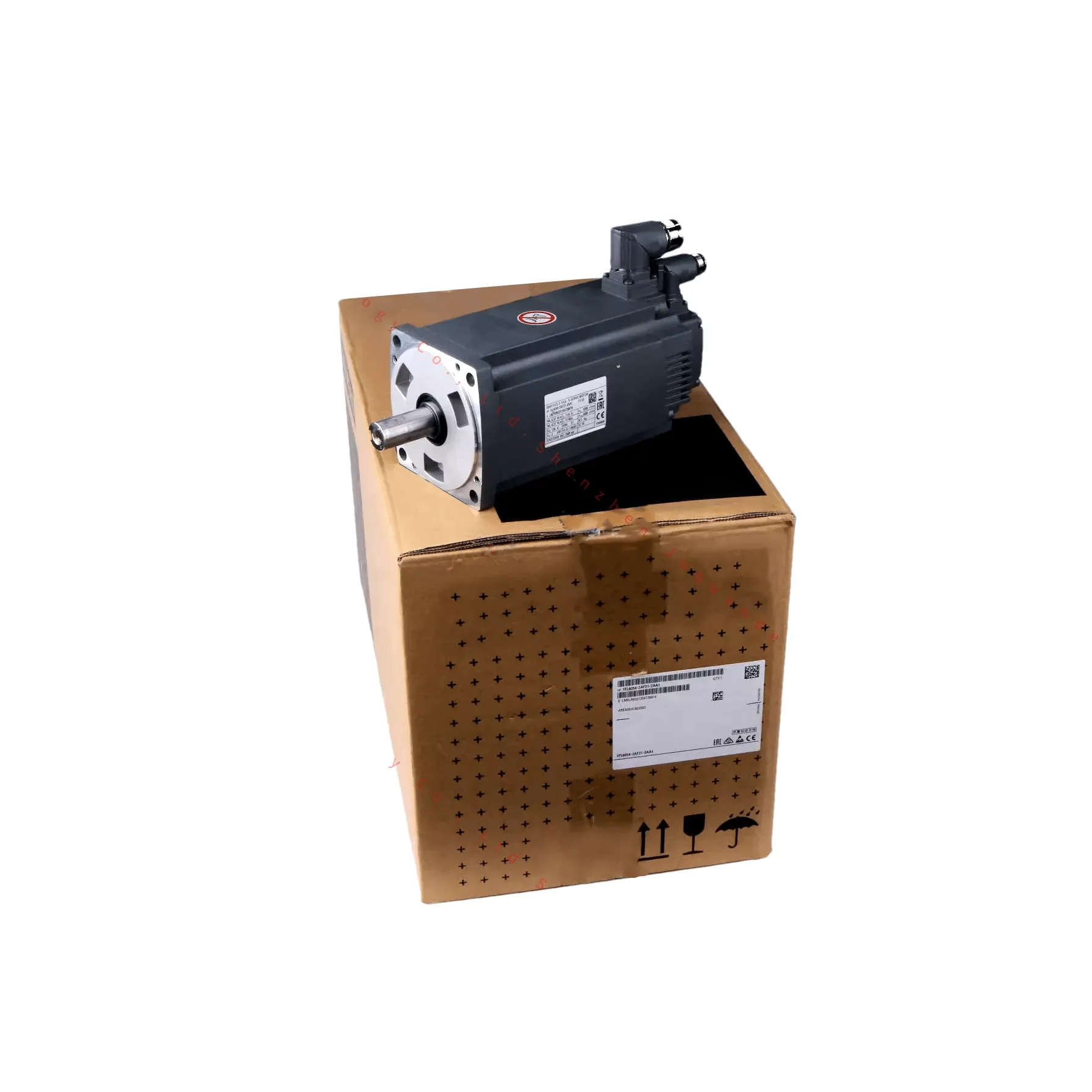
Official AI Omni Control website asset, used as a general illustration of order preparation.
Working With a Supplier That Reads Drawings
The final step is choosing a counterpart who works from engineering documents rather than part numbers. For selection support, circuit design review, programming or system assembly alongside the hardware, AI Omni Control's engineering support sets out the service scope.
A supplier who asks for the process diagram before quoting is usually a better partner than one quoting from a description: the first is trying to price the machine, the second is trying to price a guess. Ask that supplier to mark up the process diagram with assumptions and open questions. That question is the test this industrial automation buying guide keeps returning to.
Quality Assurance & Certifications
Documentation requirements vary by product family and market, and certification requirements should be confirmed for the exact product/application before ordering. Items buyers ask suppliers to verify include:
- Declared conformity for the destination market, confirmed per item rather than per catalogue.
- Product-specific datasheets and terminal assignment diagrams.
- Material and plating declarations where the application involves washdown, food contact or corrosive atmosphere.
Table of Contents
- Start With the Process Diagram, Not the Catalogue
- Step 1: Read the Sequence Before the Symbols
- Step 2: Build a Device Register
- Step 3: Group Devices Into Commodity Families
- Step 4: Quantify Consumables and Spares
- Step 5: Structure the Automation Parts List
- Where This Industrial Automation Buying Guide Earns Its Keep
- Five Mistakes That Recur on First Projects
- What to Send With an RFQ
- Making the Roadmap Repeatable
- Working With a Supplier That Reads Drawings
- Quality Assurance & Certifications