
 EN




Choosing machine control hardware without a written specification is a negotiation with your own memory. Buyers who work from conversation and photographs end up comparing quotations that answer different questions, then discover the mismatch during commissioning. A worksheet fixes that by forcing the requirements into fixed fields before any supplier prices machine control hardware.
This article provides that worksheet section by section. Each section states what to record, why it changes control hardware selection, and what goes wrong when the field stays blank. Control hardware selection starts with fields, not models. It assumes the reader is buying rather than designing circuits, and that the automation specification will exist before the first quotation request.
Why a Worksheet Beats a Catalogue
A catalogue answers what is available; a worksheet answers what is required. Buyers who start with the catalogue tend to produce an automation specification shaped by stock, and stock-shaped choices rarely survive contact with machine control hardware.
Three practical benefits follow from writing the fields down:
- Quotations become comparable, because every supplier answers the same questions.
- Substitutions become safer, because the constraints are visible rather than implied.
- Change control becomes possible, because the automation specification has revisions instead of memories.
Every one of those benefits shortens control hardware selection by removing assumptions.
The worksheet is not an engineering drawing and does not replace one, and the module families behind it can be checked in the AI Omni Control product range. It is the summary a supplier needs to quote machine control hardware, and a maintenance team needs to support the machine.
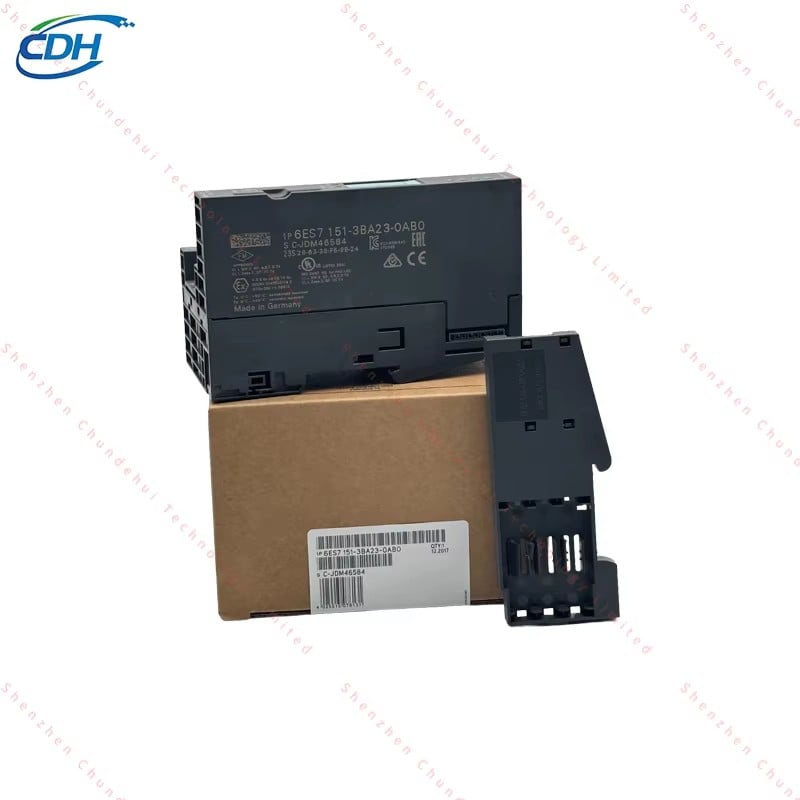
Official AI Omni Control website asset, used as a general reference to control hardware families, not as documentation of a specific project.
How to Use the Worksheet
Complete the sections in order: the load budget cannot be finished before the supply voltage is known, and no control hardware selection is safe before the architecture is fixed. Architecture first, machine control hardware second.
Two rules keep it honest. Write "unknown" rather than guessing: a blank field invites a supplier to assume, and assumptions become change orders in the automation specification. Date every revision: machine control hardware decisions get revisited after the first quotation.
| Section | Field group | What it decides |
|---|---|---|
| 1 | Machine identity and environment | Enclosure rating, temperature class, ingress protection |
| 2 | Supply and load budget | Power supply sizing, protection, feeder |
| 3 | Architecture and I/O | Controller family, module count, topology |
| 4 | Motion | Drive type, motor sizing, braking |
| 5 | Operator interface | Panel class, mounting, data requirements |
| 6 | Enclosure and thermal | Cabinet size, cooling method, cable entry |
| 7 | Lifecycle and documentation | Spares policy, software ownership, handover pack |
Section 1: Machine Identity and Environment
Start with what the machine is and where it will stand. This is the part of the automation specification most often reduced to one line, and the part that most often forces a redesign later.
| Field | What to record | Why it matters |
|---|---|---|
| Machine type and function | Process, packaging, assembly, test | Sets duty cycle and control complexity |
| Installation country | Destination market | Certification follows the market |
| Indoor or outdoor | With shelter detail | Determines IP rating and UV exposure |
| Ambient temperature | Minimum and maximum, running | Derates controllers, drives and power supplies |
| Humidity and washdown | Percentage, steam, spray | Drives enclosure and heating choices |
| Altitude | Metres above sea level | Reduces thermal capacity of drives |
Two fields cause most trouble. Ambient temperature is often quoted as a room figure when the enclosure sits beside a heat source, and altitude is usually omitted although it derates drives. Both belong in the automation specification as numbers, not adjectives, and that change improves control hardware selection more than any catalogue filter. Ambient temperature alone can move machine control hardware from one product class to another.
Section 2: Electrical Supply and Load Budget
The supply section converts a site condition into a constraint on machine control hardware, and into a line in the automation specification.
| Field | What to record |
|---|---|
| Supply voltage and tolerance | Nominal, plus permitted variation |
| Phases and frequency | Single or three phase, 50 or 60 Hz |
| Available fault current | From the site distribution study |
| Earthing system | TN-S, TN-C-S, TT or IT |
| Total connected load | Sum of motor, heater and control loads |
| Largest motor | kW and starting method |
| Harmonic-producing loads | Drive count and total kW |
The load budget is where control hardware selection meets electrical design; a budget written as one number turns that into guesswork. A machine with four drives and a 5.5 kW motor cannot share a feeder with one carrying a 0.75 kW motor; the difference appears in breaker ratings, cable size and enclosure volume. Build the budget as a table of loads in the automation specification rather than a single total: a total cannot be re-checked when one axis changes, and it hides the largest-motor figure that determines starting current.
The largest motor, not the total load, usually decides machine control hardware, and a single kilowatt total is the most common source of nuisance tripping on new machines.
Section 3: Control Architecture and I/O Summary
This section bridges machine function and controller capacity, and it is the core of any automation specification. Record the I/O count by type, the number of remote drops and the network topology, all of which constrain machine control hardware.
For machine control hardware, separate what exists from what is planned. Three columns work well: used, spare and planned.
| Signal class | Used | Spare | Planned |
|---|---|---|---|
| Discrete inputs, 24 V DC | 34 | 7 | 2 |
| Discrete outputs | 21 | 5 | 0 |
| Analog inputs | 3 | 1 | 1 |
The planned column makes an automation specification forward-looking rather than descriptive, forcing the buyer to state the expansion assumption so the supplier can price a controller that supports it. Architecture decisions belong here too: one panel with centralized I/O, a main panel with remote drops, or several small enclosures. Each option changes cable volume, network hardware and control hardware selection; choosing between them is the first real control hardware selection decision on the project.
Section 4: Motion and Drive Requirements
Motion is where control hardware selection becomes expensive to reverse, and where machine control hardware is least forgiving of approximation.
| Axis | Load type | Speed range | Positioning | Drive type |
|---|---|---|---|---|
| Conveyor | Constant torque | Fixed | None | VFD |
| Index table | Inertial | Indexing | Repeatable stop | Servo |
| Fill head | Vertical | Profile | Position and force | Servo |
Three questions decide the section. Does the axis need speed control only, or position control? Does the load need holding torque when stopped? Must axes move in coordination? Each axis line belongs in the automation specification with its drive type.
The answers change the hardware class, the feedback requirement and the braking method, which makes this table the heart of control hardware selection. A conveyor that only runs faster or slower is a frequency inverter application; an index table that must stop within a tolerance is a servo application. Getting that distinction wrong is the most expensive error in this worksheet, and it is where control hardware selection needs an engineer rather than a buyer alone, because it changes both the drive and the controller family, and machine control hardware cannot be re-classed by editing a line in the automation specification.
Section 5: Operator Interface and Data
The operator section is often reduced to "one touchscreen", which is not an automation specification. Screen size, viewing distance and glove use belong there as measurements. Record the following before considering models:
- Viewing distance and operator position, in metres.
- Number of screens and the information each must show.
- Recipe or product changeover requirements.
- Data output: none, local logging, or connection to a plant system.
- Environment at the panel face: dust, gloves, spray, sunlight.
Each answer narrows control hardware selection for the interface. Recipe handling implies memory and often a real-time clock. Plant connectivity implies an Ethernet port and a defined protocol. Glove operation implies a minimum target size, which implies a minimum screen size; that looks like a display preference but is really a machine control hardware decision with a cost attached. Language requirements rarely change control hardware selection; glove use almost always does.
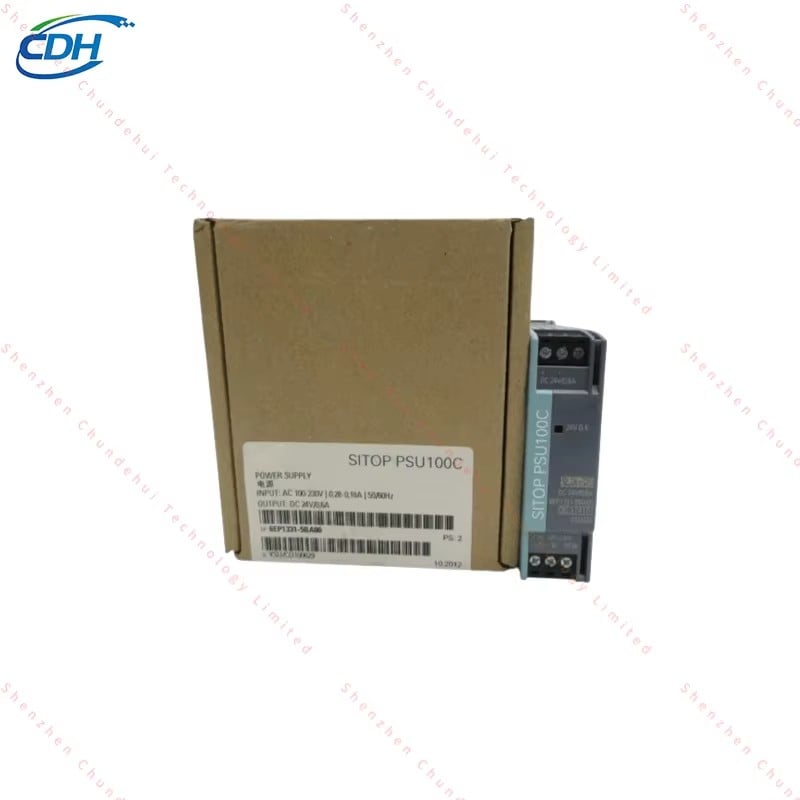
Official AI Omni Control website asset, used as a general illustration of cabinet assembly, not as documentation of a specific project.
Section 6: Enclosure, Thermal and Physical
The enclosure is control hardware too, and it constrains machine control hardware more than buyers expect. Record the available floor space, mounting surface, cable entry direction and service access requirement.
Thermal design deserves its own line. Total heat load is the sum of every device's losses in the cabinet, plus solar gain outdoors, minus what the enclosure can dissipate. When that number is positive, the automation specification must state the cooling method: fans, filtered ventilation, heat exchanger or air conditioner.
| Thermal input | Where to find it |
|---|---|
| Controller and module losses | Datasheet, per module |
| Drive losses | Datasheet, typically 3 to 5 percent of rated power |
| Power supply losses | Datasheet efficiency curve |
| Enclosure dissipation | Surface area and material, by calculation |
Buyers who skip this step meet the problem as nuisance tripping in summer, which is expensive to diagnose. Thermal margin is part of control hardware selection, not a detail for the panel builder to settle alone, and control hardware selection and cabinet design should proceed together.
Section 7: Lifecycle, Spares and Documentation
The last section covers what happens after acceptance, and it belongs in the automation specification because it changes what must be purchased now. Each item below is a line in that document.
- Spares policy: which modules are held on site, and how many. It completes control hardware selection, because a module nobody stocks is a future stoppage.
- Software ownership: licence, source project and password policy.
- Documentation set: drawings, manuals, terminal schedules, parameter backups.
- Replacement strategy for obsolete items.
A supplier who cannot answer the software ownership question will be needed for every future change, which is the hidden cost in machine control hardware. Software ownership is a control hardware selection criterion, not an administrative detail. For cross-border buyers that dependency is also a logistics problem, because a service visit may require travel and internationally shipped spares.
Reviewing the Worksheet Before the RFQ
A completed worksheet should be reviewed by someone who did not write it: the reviewer checks assumptions, not engineering.
- Which fields are marked unknown, and who will resolve them?
- Which fields would change the machine architecture if they moved by 20 percent?
- Which fields depend on the customer's site rather than on the machine?
- Which fields have no supporting document?
Question two identifies the sensitive fields, which are usually ambient temperature, largest motor and axis count. Those three decide machine control hardware more often than any other entry, and a worksheet that omits them is not a machine control hardware brief. Question four exposes the weakest part of any automation specification: claims with no document behind them. Question three identifies what a buyer cannot resolve alone, which usually means a site survey.
Once the worksheet survives review it becomes the cover document of the RFQ; where the review needs engineering input, AI Omni Control's engineering support covers selection, circuit design and programming. Control hardware selection then becomes a comparison of answers rather than totals, and the automation specification provides the common reference for every quotation. A worksheet without a reviewer is control hardware selection by default.
In April 2024, an OEM machine builder in Bandung, Indonesia, prepared a filling line for a dairy customer in Surabaya. The first RFQ carried a drawing, a photograph and a price request; three quotations returned controller families two classes apart and enclosures 300 mm different in height.
The team rebuilt the request as a worksheet: 38 degrees Celsius ambient with 85 percent humidity and daily washdown in Section 1, a 5.5 kW largest motor and four drives in Section 2, 41 discrete inputs and 18 outputs in Section 3, and one indexing axis separated from three conveyor axes in Section 4.
The revised quotations converged because every supplier answered the same automation specification. The washdown rating removed two proposals, the indexing axis removed the third, and the remaining supplier quoted machine control hardware that fitted both machine and environment. Later changes were tested against the same criteria.
Quality Assurance & Certifications
Certification requirements should be confirmed for the exact product/application before ordering, since documentation varies by family and market. Buyers typically ask suppliers for:
- Declared conformity for the destination market, item by item rather than by catalogue family.
- Datasheets with derating curves for the ambient temperature stated in Section 1.
- Enclosure ratings and the test standard behind them.
- Terminal assignment and wiring diagrams matching the exact revision shipped.
Table of Contents
- Why a Worksheet Beats a Catalogue
- How to Use the Worksheet
- Section 1: Machine Identity and Environment
- Section 2: Electrical Supply and Load Budget
- Section 3: Control Architecture and I/O Summary
- Section 4: Motion and Drive Requirements
- Section 5: Operator Interface and Data
- Section 6: Enclosure, Thermal and Physical
- Section 7: Lifecycle, Spares and Documentation
- Reviewing the Worksheet Before the RFQ
- Quality Assurance & Certifications